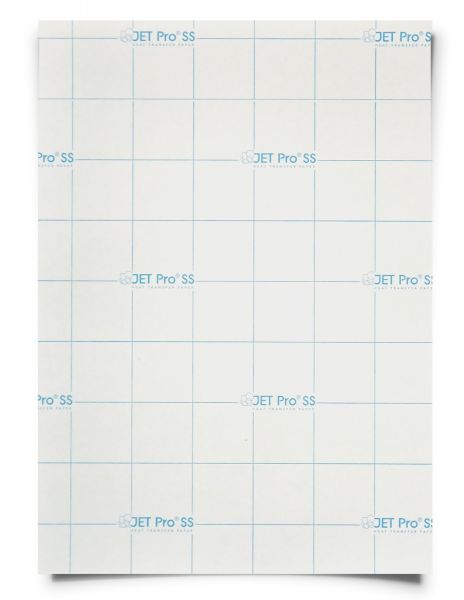
Neenah Jet Pro SS, Singapore tshirt iron on heat transfer paper sheets
$26.17
$50.25
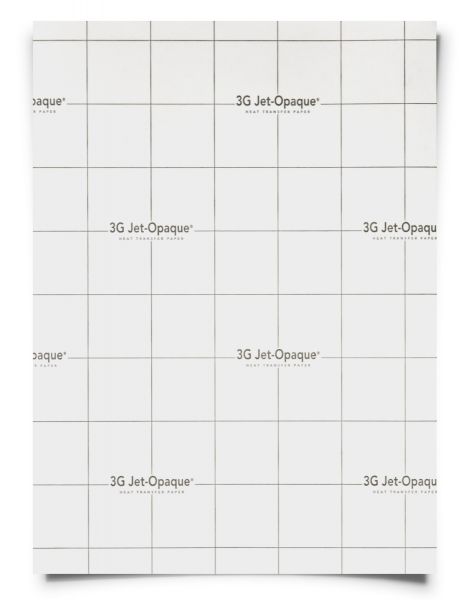
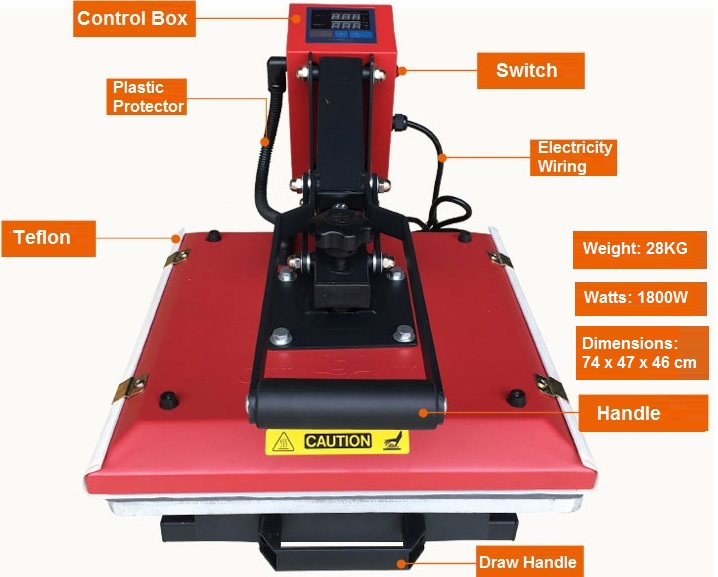
Neenah Heat Transfer Paper Jet Pro SS (white / light fabric) Print design on the blank side of the paper USING MIRROR IMAGE setting. Use standard printing settings for plain paper, and at a medium image quality level. Single-sheet feeding is recommended. Once you have printed out your image onto the paper, do remember to trim/cut out your image so that the whites on the paper will not be transferred over as well. Prepare heat press at 350-375 degrees F / 176 – 190 degrees C Place heat transfer paper with the image facing down in the desired position on fabric. Using the above-recommended temperature, apply firm pressure for 20-30 seconds. Hot peel the transfer immediately, but gently (be careful not to peel off the printing) after pressing. Caution: transfer will be hot! This product may also be cold peeled, but elasticity and durability decrease. For best results, lightly stretch transferred area immediately after peeling. Re-press transfer with a silicone/teflon sheet for 20 seconds for best durability. Take the silicon/teflon sheet away slowly, best to wait until it is warm/cold. Teflon sheets (Click to buy) are essential as it act as a protection for any type of heat transfer using heatpress machine. We sell supplies and consumables such as blank mugs, water bottles, key chains, umbrella, sublimation printers, dye-sublimation ink, heat transfer papers, heat resistant tape etc etc, pls enquire with us directly.